How to find Shopify stores for prospecting: manual checks, store finder tools like Store Leads, BuiltWith and Wappalyzer, the filters that matter, and a worked example for Europe.
Short answer: to find Shopify stores at scale, use a store database such as Store Leads, BuiltWith or Wappalyzer. Filter by country, category, estimated sales, Shopify plan and installed apps, export the domains, then find the right people and verified contact details with an enrichment tool. For a single site, you can check the page source or use a browser extension. This guide walks through every method, with a worked example for building a list of European Shopify stores.
Why sales teams look for Shopify stores
Shopify is one of the largest e-commerce platforms, which makes “stores on Shopify” a useful starting point for anyone who sells to online retailers: apps and plugins, agencies, logistics and fulfilment, payments, marketing services and software. Platform data tells you more than the fact that a company sells online. It hints at how they work, which tools they can integrate with, and sometimes how big they are.
According to Store Leads, there were about 3.3 million live Shopify stores in November 2026. Most of them are small. The work isn’t finding Shopify stores; it’s finding the few hundred that actually fit your offer.
How to tell if a website uses Shopify
For one website, a manual check takes a minute. Any of these signals is usually enough:
Manual check
Six ways to tell a site runs on Shopify
cdn.shopify.com
Images, scripts and stylesheets load from Shopify’s CDN. Search the page source for it.
window.Shopify
Type Shopify in the browser console. A Shopify store returns an object with the shop and theme.
/cart.js
Most Shopify stores answer yourstore.com/cart.js with a small JSON cart object.
myshopify.com
Every store has a store-name.myshopify.com address, even when it uses its own domain.
Extensions
Wappalyzer, BuiltWith and similar browser extensions show the platform in one click.
Headless caveat
Headless stores use Shopify only as a back end, so front-end signals can be missing.
Older guides suggest searching Google with site:myshopify.com plus a keyword. It still returns some stores, but mostly ones that never connected their own domain, which tend to be the smallest and least active. It’s fine for inspiration, not for building a prospect list.
Shopify store finder tools compared
For lists, you need a tool that crawls the web, detects the platform and lets you filter and export. These are the three most common options; each has a review in our sales tools directory.
| Tool | What it is | Useful for Shopify lists | Pricing (checked 18 Nov 2026) |
|---|---|---|---|
| Store Leads | Database of e-commerce stores, focused on Shopify and other platforms | Records plan (including Shopify Plus), country, categories, estimated sales, apps, theme, employee counts and contact details found on the site | From $75/month; exports from the $250 Pro plan |
| BuiltWith | Technology lookup and lead lists for any web technology | Lists of sites using Shopify or Shopify Plus, with filters for country, estimated sales revenue, tech spend, product count, traffic and category | Free single-site lookups; lists from $295/month |
| Wappalyzer | Technology detection extension and lead lists | Browser extension for quick checks; lead lists by technology | Free tier (50 lookups); paid from $250/month |
Entry pricing per month (USD)
What the main store finders cost
Store Leads
Store Leads is built for e-commerce. Its Shopify report counts live stores, Shopify Plus domains and breakdowns by country and category, and each store record includes fields such as plan, estimated sales, country, categories, employee count, installed apps and contact details found on the website. For Shopify prospecting it’s usually the most direct option, because the filters match how e-commerce companies differ: category, size, apps and theme.
BuiltWith
BuiltWith tracks thousands of web technologies, not just e-commerce platforms. Its Shopify Plus list page offers filters by location, technology spend, estimated sales revenue, product count, traffic rank and primary business, and the export includes fields such as company name, emails and phone numbers found on the website, social profiles and estimated revenue. It’s stronger when you combine Shopify with other technologies, for example stores that also use a specific payment or review tool.
Wappalyzer
Wappalyzer is best known for its browser extension, which shows the technologies on any page you visit. Its paid plans add lead lists by technology. It’s a good fit if you mostly check sites one by one or need technology data alongside other research.
Other methods
- Shopify App Store reviews: stores that review an app often mention their store name, which helps if you sell something complementary to that app.
- Ad libraries and social media: Meta’s Ad Library shows which brands are actively advertising, a useful signal of budget.
- Marketplaces and directories: curated lists of brands in a niche are slow to work through, but often surface stores that fit perfectly.
- Clay and similar tools: Clay can take a list of domains, check technology data through its providers and enrich the rest in one table.
How to filter Shopify stores
By country
Country data in store databases comes from signals such as the company address on the site, the currency, language and top-level domain. It’s generally reliable for established stores. For cross-border brands, check whether the country is where the company is based or where it sells.
By estimated revenue
Revenue figures in Store Leads and BuiltWith are estimates, based on signals like traffic, product count and pricing. Use them to separate very small stores from serious ones, not as exact numbers. A range filter (for example, stores that look like they sell at least a certain amount a month) is more useful than sorting on the estimate itself.
By product category or industry
Category filters let you focus on verticals where your offer works best, for example apparel, beauty, home or food. Categories are assigned by the tool and can be broad, so scan a sample of results before exporting thousands of rows.
By installed apps and technology
For many sellers, this is the most valuable filter. A store using a specific email, reviews or subscription app tells you about its budget, maturity and integration options. You can target stores that use a competitor, or exclude stores that already use a tool like yours.
How to identify Shopify Plus stores
Shopify Plus is Shopify’s plan for larger merchants. Store Leads reported about 84,000 Shopify Plus domains in November 2026; BuiltWith’s Shopify Plus list showed a similar order of magnitude, counted differently. Both tools detect the plan from technical signals, so treat the label as a strong indication rather than a certainty. If the plan matters for your offer (for example, because you sell a Plus-only feature), confirm it in the first conversation.
Example: building a list of European Shopify stores
Say you sell a returns-management tool to fashion and home brands in the Benelux and Germany. Here’s how we would build the list.
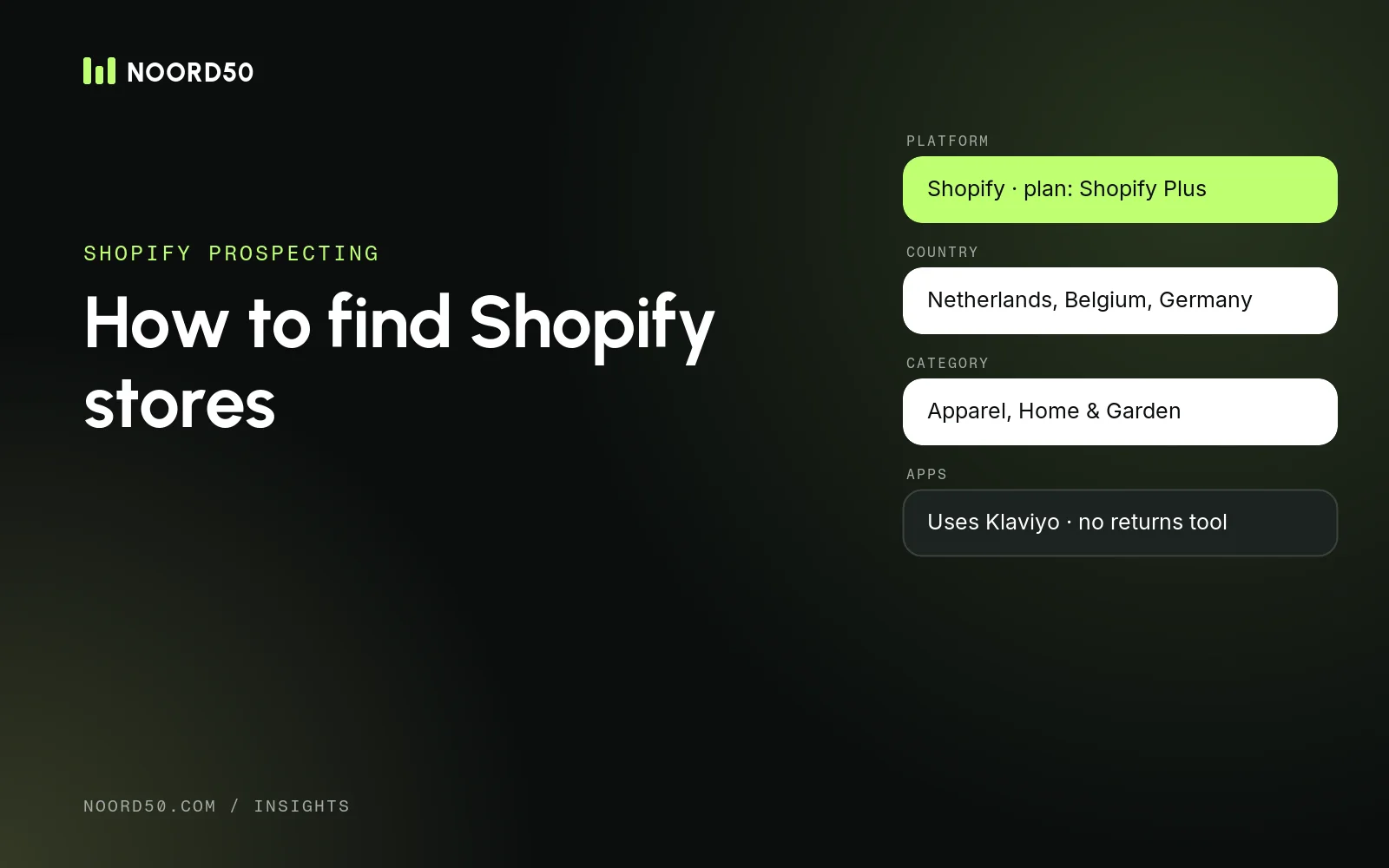
Example filter set
A European Shopify list, filter by filter
1
Platform
Shopify (optionally: plan = Shopify Plus)
2
Country
Netherlands, Belgium, Germany
3
Category
Home & Garden, Apparel
4
Estimated sales
A monthly range that fits your offer
5
Apps or tech
For example: uses Klaviyo, does not use Gorgias
6
Status
Live stores only, with a reachable domain
- Set the filters. Platform Shopify, countries Netherlands, Belgium and Germany, categories apparel and home, an estimated monthly sales range that matches stores with enough orders to care about returns, and live status.
- Add a technology filter. Include stores that use apps suggesting a mature setup (an email platform, a reviews app), and exclude stores that already use a returns tool.
- Check a sample. Open 20 random stores from the result. If several are off-target, tighten the filters before exporting.
- Export the domains with company name, country, estimated sales and the app data. On Store Leads, exports start on the Pro plan.
- Find decision-makers. For small brands that’s often the founder or managing director; for larger ones the head of e-commerce, operations or customer service. Search by domain in a contact database such as Prospeo, or use Sales Navigator to find the right roles.
- Enrich and verify. Add verified work emails and, if you call, mobile numbers. Our guide to B2B data enrichment tools compares the main options, and how to find mobile numbers covers phone data.
- Import and segment. Load the list into your CRM or outreach tool, tagged by country and category, so messaging can follow the market. Dutch and German buyers react differently, as we explain in cold calling in DACH vs the Benelux.
Shopify lead generation
From store list to prospect list
01
Define the ICP
Country, category, size, apps and the role you want to reach
02
Pull stores
Filter a store database and export the matching domains
03
Qualify
Remove stores that are inactive, too small or off-target
04
Find people
Look up decision-makers per domain
05
Enrich and verify
Add verified emails and, where relevant, phone numbers
06
Load and reach out
Import into your CRM or outreach tool and start the sequence
Finding the right contact information
Store databases usually give you contact details found on the store’s website: a generic email address, a phone number and social profiles. That’s fine for small stores where the owner reads the inbox, but for anything larger you want named people. The usual approach:
- Company-level data (domain, country, category, apps) from the store database.
- People from a contact database or LinkedIn, by searching the domain and filtering on role and seniority.
- Verified emails and phone numbers from an enrichment tool, ideally one that only charges for results it finds.
At Noord50, Prospeo is our main contact database for this step. If you’d rather not build lists yourself, our CRM & data team does it as a service.
Data accuracy and limitations
- Revenue and traffic are estimates. Use them for ranges and ranking, not for exact targeting.
- Detection has a lag. Stores that just migrated to or from Shopify may be listed on their old platform for a while.
- Headless stores are harder to detect, because Shopify runs only in the back end.
- One brand, several domains. International brands often run separate stores per country. Deduplicate on company before you reach out.
- Contact data needs care. Emails and phone numbers of identifiable people are personal data under the GDPR, even in a B2B context. Have a lawful basis (usually legitimate interest), tell people where you got their data, and honour opt-outs.
Finding Shopify stores: common questions
Is there an official list of Shopify stores?
No. Shopify doesn’t publish a list of its merchants. Store databases such as Store Leads and BuiltWith build their lists by crawling websites and detecting the platform.
How do I find Shopify stores in a specific country?
Use a country filter in a store database. The tools base the country on signals such as the address, currency, language and domain, so spot-check a sample, especially for brands that sell internationally.
Can I find Shopify stores for free?
For a handful of stores, yes: check the page source, use a free browser extension or try Google search operators. For lists you can filter and export, you’ll need a paid plan of a store database.
How do I find the owner of a Shopify store?
Start with the store’s About and contact pages, then search the domain in a contact database or on LinkedIn for the founder or managing director. For larger brands, look for roles such as head of e-commerce instead.
Sources