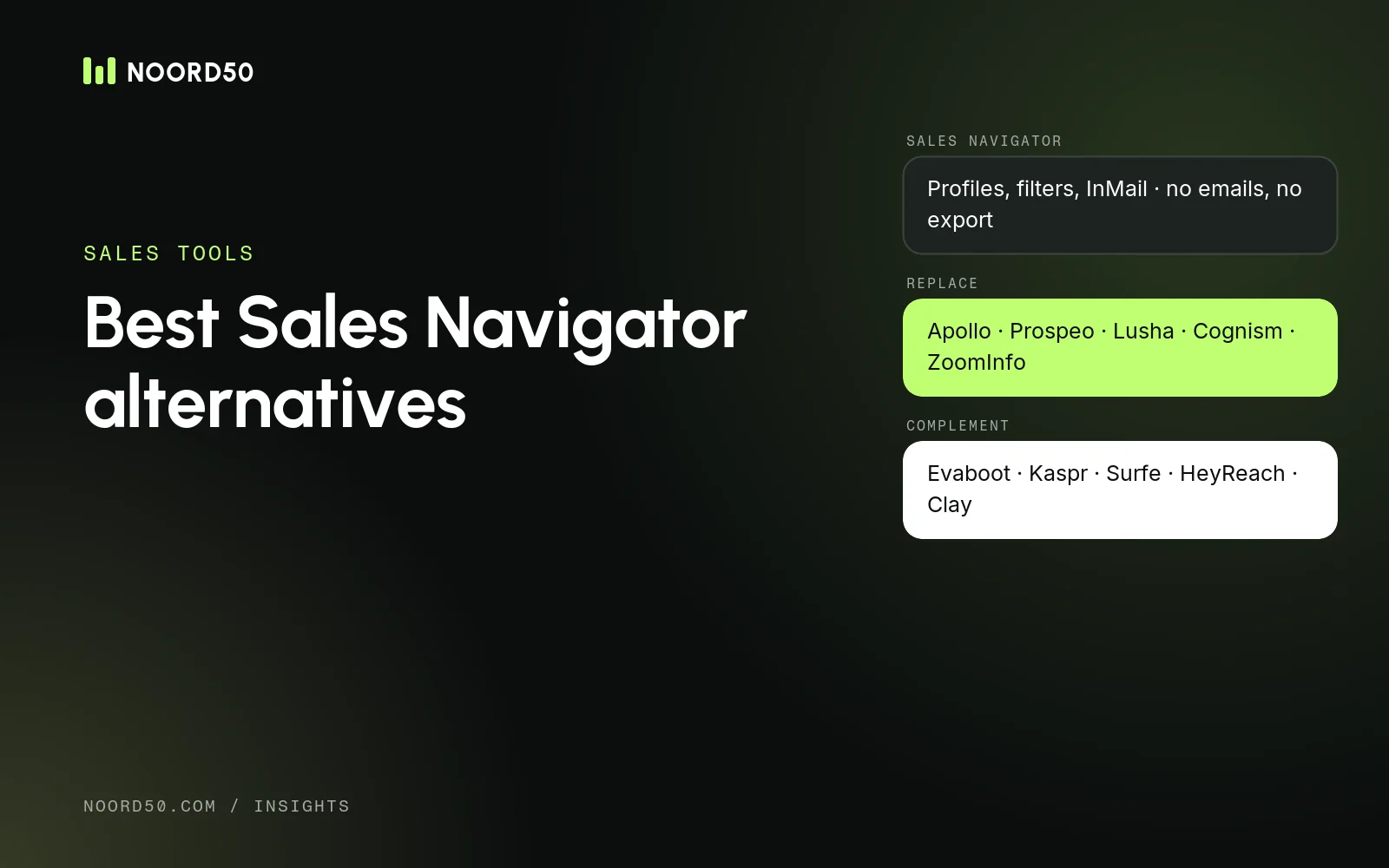
Clay’s plans, how data credits and actions work since the March 2026 repricing, what enriching 100, 1,000 and 10,000 leads costs, and when Clay is worth it.
Last verified: 19 November 2026, against clay.com/pricing and Clay’s own documentation. Clay changes its pricing from time to time; check the current page before you buy.
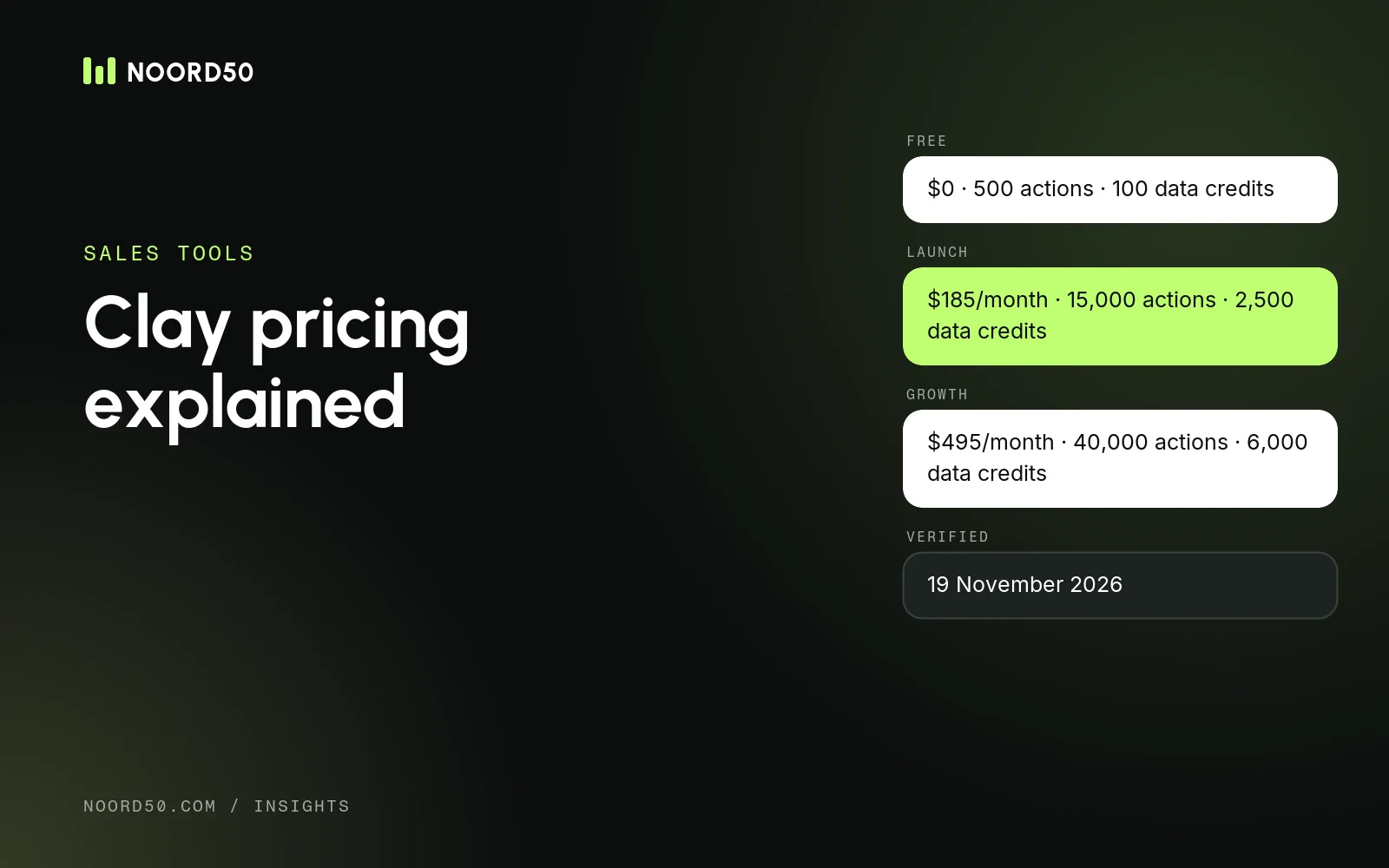
Short answer: Clay has a Free plan, Launch from $185 per month ($167 billed annually), Growth from $495 per month ($446 annually) and custom Enterprise pricing. Since March 2026 you pay on two meters: data credits for the data Clay buys for you, and actions for the work it does. Enriching a list with LinkedIn profiles and work emails costs roughly one data credit per lead using Clay’s own example; a fully enriched record with phone numbers and AI research costs 6 to 20 credits. Below: the plans, how credits are used, cost examples for 100, 1,000 and 10,000 leads, and when Clay is worth it.
We use Clay workflows at Noord50 to combine data sources and enrich accounts before our BDRs start calling, so we look at these costs from a practical angle. For a broader view of the product, see our Clay review.
Clay pricing plans in 2026
Monthly billing, base allowances
Clay plans at a glance
| Plan | Price | Included per month | Key features |
|---|---|---|---|
| Free | $0 | 500 actions, 100 data credits | Unlimited seats, multi-provider waterfalls, Claygent, bring your own API keys; up to 200 rows per table |
| Launch | From $185/month, or $167/month billed annually | 15,000 actions, 2,500 data credits | Adds phone number enrichment, unlimited search with Audiences, job-change and other signals, email sending and Sequencer |
| Growth | From $495/month, or $446/month billed annually | 40,000 actions, 6,000 data credits | Adds CRM auto-sync and enrichment, HTTP API, webhooks, web intent signals and priority support |
| Enterprise | Custom | Custom (Clay mentions 100,000+ data credits and 100,000+ actions) | Bulk enrichment above 50,000 records, data warehouse connections, SSO, SCIM, credit budgeting and a dedicated strategist |
All plans include unlimited seats: Clay charges for usage, not users. You can raise either meter within Launch or Growth, which raises the monthly price. Clay’s pricing page shows each plan as a combination of an actions tier and a data credits tier; the base prices above are the smallest combination.
Data credits and actions explained
How Clay bills
Two meters: data credits and actions
Meter 1
Data credits
Pay for data Clay buys for you: emails, phone numbers, company data and most AI tasks. From $0.05 each, cheaper at volume.
Meter 2
Actions
Count the work Clay does: running an enrichment, calling an AI model, sending data to another tool. Less than $0.01 each.
BYOK
Your own API keys
Use your own provider account: no data credit, but still one action per run.
Since March 2026
No result, no charge
According to Clay, lookups that return nothing use no data credits and no actions.
How data credits are used
Data credits pay for data from Clay’s marketplace of providers: work emails, phone numbers, company data and most AI tasks. The cost differs per provider and data type. Clay’s documentation gives these examples:
- LinkedIn profile enrichment: 0.5 data credits per profile
- Finding a work email: typically 0.5 data credits per email found
- Email validation with selected validators: free
- A fully enriched record (profiles, email, phone and custom AI columns): 6 to 20 data credits
Phone numbers are among the more expensive lookups, and their price depends on the provider. Clay shows the cost next to each enrichment in the product, so check it there before running a column on thousands of rows.
How actions are used
Actions count the platform work: one action per enrichment run or exported record, whichever provider you use. Sourcing contacts from Clay’s own search, importing your data, formulas and CSV exports don’t use actions or credits, according to Clay’s documentation. Actions reset every billing cycle and don’t roll over.
Bring your own API keys
If you already pay a provider directly (for example your own Prospeo or OpenAI account), you can connect your key. Those runs use no data credits, only one action each. Clay notes that its own keys run AI tasks faster because of higher rate limits.
Rollover and top-ups
- Rollover: on monthly Launch and Growth plans, unused data credits can build up to twice your monthly amount. On annual plans, up to 15% of unused credits carries over when you renew on the same or a higher tier. Actions never roll over.
- Top-ups: extra data credits cost 30% more than credits in your plan. Actions can’t be topped up; you move to a bigger tier instead.
What enrichment actually costs: 100, 1,000 and 10,000 leads
The examples below use Clay’s documented workflow for 100 contacts: LinkedIn profile enrichment (0.5 credits), work email find with a 90% find rate (0.5 credits per email found) and free validation. That’s 0.95 data credits per lead. We count three actions per lead (one per enrichment column). Prices are monthly billing.
| Leads per month | Data credits | Actions | Cheapest fit | Monthly cost |
|---|---|---|---|---|
| 100 | 95 | 300 | Free (100 credits, 500 actions, 200-row tables) | $0 |
| 1,000 | 950 | 3,000 | Launch base (2,500 credits, 15,000 actions) | $185 |
| 10,000 | 9,500 | 30,000 | Launch with 10,000 credits ($460) and 40,000 actions ($150) | $610 ($549 billed annually) |
| 1,000 fully enriched records | 6,000–20,000 | 6,000–8,000 | Launch with 6,000 to 20,000 credits | About $350–$940 |
Profile + work email, monthly billing
What enriching leads costs per month
Two things stand out. First, email-only enrichment is cheap in Clay since the March 2026 repricing; the platform fee is most of the cost at low volumes. Second, the cost jumps when you add phone numbers and AI research per row. Those columns are where the 6–20 credit range comes from, and where it pays to filter your list before enriching.
Hidden costs to budget for
- Testing at full price. Building and debugging a table on real rows uses real credits. Test on 10–20 rows first.
- Enriching rows you’ll never use. Running a phone waterfall on every contact before you’ve qualified the account is the most common way to burn credits.
- Top-ups at a premium. Running out mid-month and topping up costs 30% more per credit than a bigger plan.
- Growth for integrations. CRM auto-sync, HTTP API and webhooks are Growth features. If your workflow depends on them, Launch isn’t really an option.
- Your own API keys. BYOK lowers Clay data credits to zero for those steps, but you pay the provider instead.
- Time. Clay is powerful but takes time to learn. Someone needs to own the tables, or they become expensive and messy.
How to use fewer credits
- Filter before you enrich. Qualify accounts on cheap or free data (industry, size, country) before running emails and phone numbers.
- Enrich only the people you’ll contact. Pick one to three roles per account instead of everyone.
- Put the cheapest good provider first in each waterfall, and stop at the first verified result.
- Use run conditions so a column only runs when the previous step succeeded (for example, phone lookup only if the email was found and the account is qualified).
- Use your own keys for providers you already pay for.
- Set credit limits per workbook or table, so a mistake doesn’t empty the account.
Waterfall enrichment in Clay
A waterfall runs several providers in sequence for the same field and stops at the first valid result. It raises coverage, because no provider has every email or number. In Clay you pay data credits only for the provider that returns a result, and according to Clay nothing for lookups that come back empty. The trade-off is that later providers in the chain are often more expensive, so the order matters. For a comparison with dedicated waterfall tools such as FullEnrich and BetterContact, see our guide to B2B data enrichment tools.
When Clay is worth it, and when something else makes more sense
Clay is worth it when
- you combine several data sources and want one place to do it;
- you need custom logic: scoring, triggers, AI research per account, personalised first lines;
- you run recurring workflows (new hires, job changes, website visitors) that feed your CRM or outreach tool;
- someone on the team has time to build and maintain the tables.
Consider alternatives when
- You mainly need verified emails and mobiles from one good source. A contact database such as Prospeo is simpler and often cheaper per contact.
- You want waterfall coverage without building it. FullEnrich and BetterContact run multi-provider waterfalls and charge only for results.
- You want database and sequencing in one tool. Apollo combines both.
- You don’t have anyone to own the workflows. In that case the tool won’t be the bottleneck. Our CRM & data team builds and enriches lists as a service.
Clay pricing: common questions
How much does Clay cost per month?
Clay has a Free plan. Launch starts at $185 per month ($167 billed annually) and Growth at $495 per month ($446 billed annually). Enterprise pricing is custom. Larger credit or action tiers raise the price within each plan.
What is the difference between data credits and actions in Clay?
Data credits pay for data Clay buys from providers, such as emails, phone numbers, company data and AI tasks. Actions count the work Clay performs, such as running an enrichment or exporting a record. Most enrichments use both.
Do Clay credits roll over?
Data credits do, within limits: up to twice the monthly amount on monthly Launch and Growth plans, and up to 15% of unused credits on annual plans when you renew. Actions reset every billing cycle.
Does Clay charge when no data is found?
According to Clay’s pricing page, you’re not charged data credits or actions when an enrichment returns no result.
Sources